Why Logitech for Conference Rooms
Logitech is the global market leader in video conferencing hardware, offering purpose-built devices for every room type — from personal desks (Brio 4K webcam) through huddle rooms (Rally Bar Huddle, MeetUp 2) to large boardrooms (Rally Bar + Rally Camera + Sight dual-camera system). Every device is certified for Microsoft Teams, Zoom, and Google Meet — no compatibility worries.
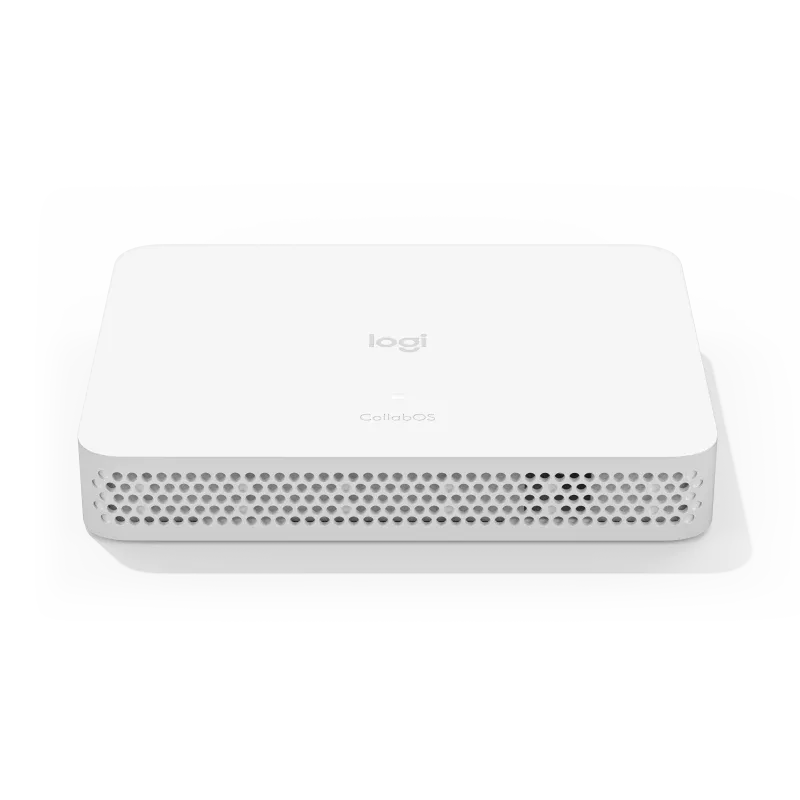
CollabOS is Logitech's built-in operating system that powers Rally Bar, Rally Bar Mini, Rally Bar Huddle, and MeetUp 2 in appliance mode — no separate PC required. This reduces hardware cost, simplifies deployment, and eliminates Windows update disruptions. For organizations that need a dedicated compute unit, RoomMate runs CollabOS and drives up to dual displays plus a touch controller.
Logitech Sync is a cloud-based device management portal that lets IT teams monitor, configure, and update every Logitech device across all meeting rooms from a single dashboard. Firmware updates, room health alerts, usage analytics, and remote troubleshooting — all centralized. For enterprise SLA support, Logitech Select adds 24/7 direct access to Logitech engineers.
Room Configuration Guide
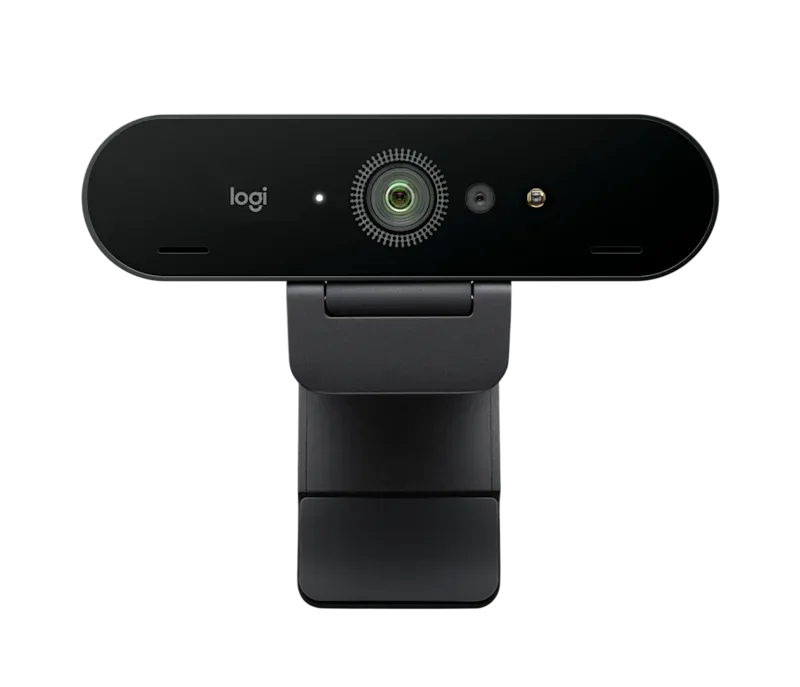
Personal / Focus Room (1 person): Logitech Brio 4K webcam — Ultra HD 4K/30fps or 1080p/60fps, 3 adjustable field-of-view settings (65°/78°/90°), Windows Hello facial recognition, dual noise-canceling microphones. Ideal for executives working from home or hot-desking stations.
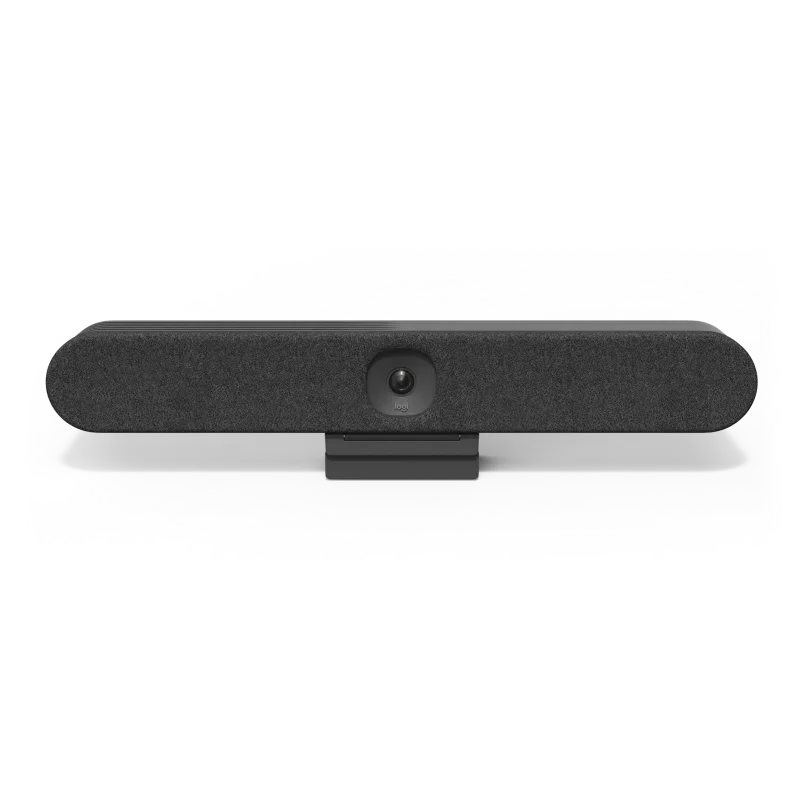
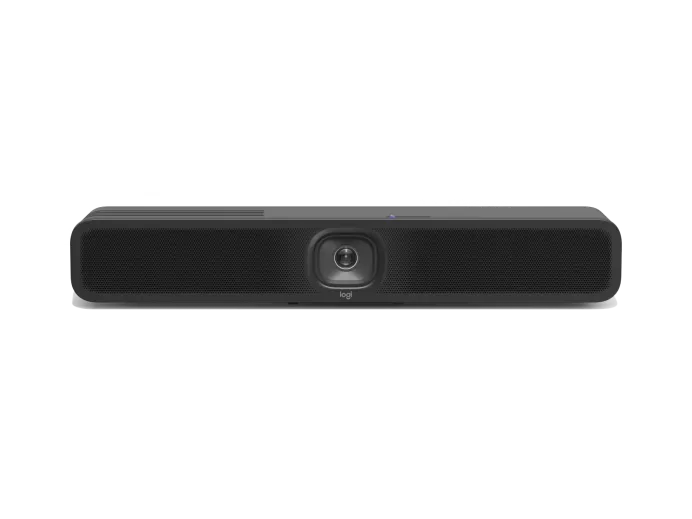
Huddle Room / Phone Booth (2–6 people): Rally Bar Huddle or MeetUp 2 — all-in-one video bars with built-in 4K camera, beamforming microphones, and speakers. One device, one cable, one mount. Rally Bar Huddle is optimized for small focus rooms. MeetUp 2 adds Bluetooth for BYOD wireless sharing and 120° field of view.
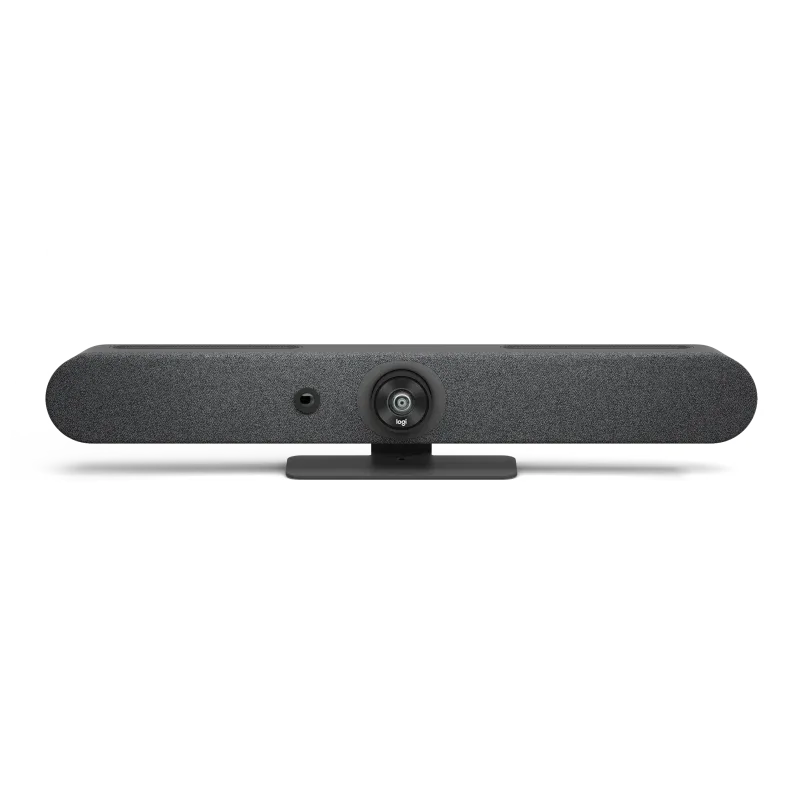
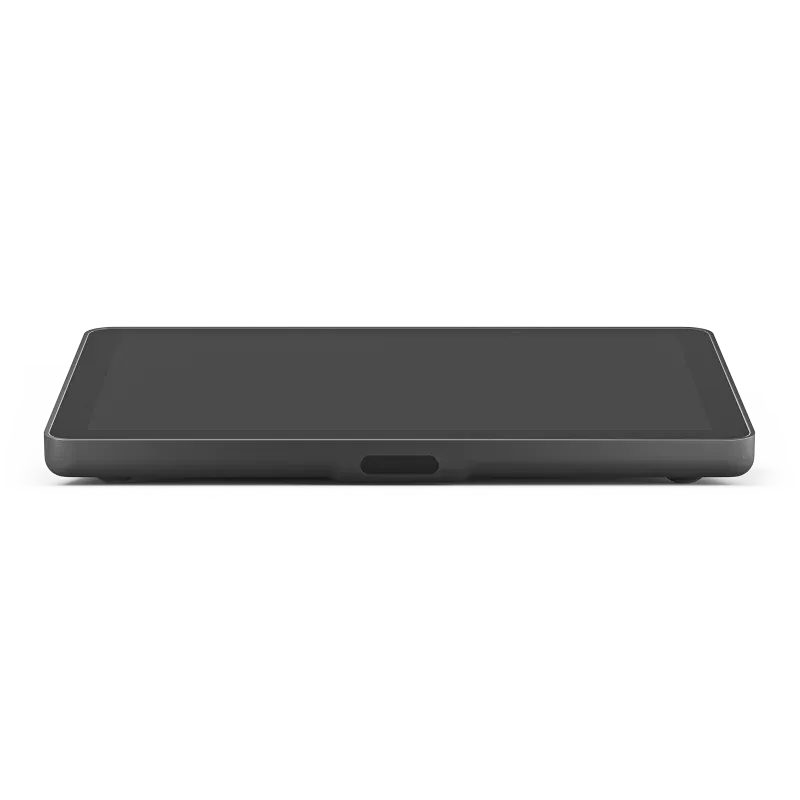
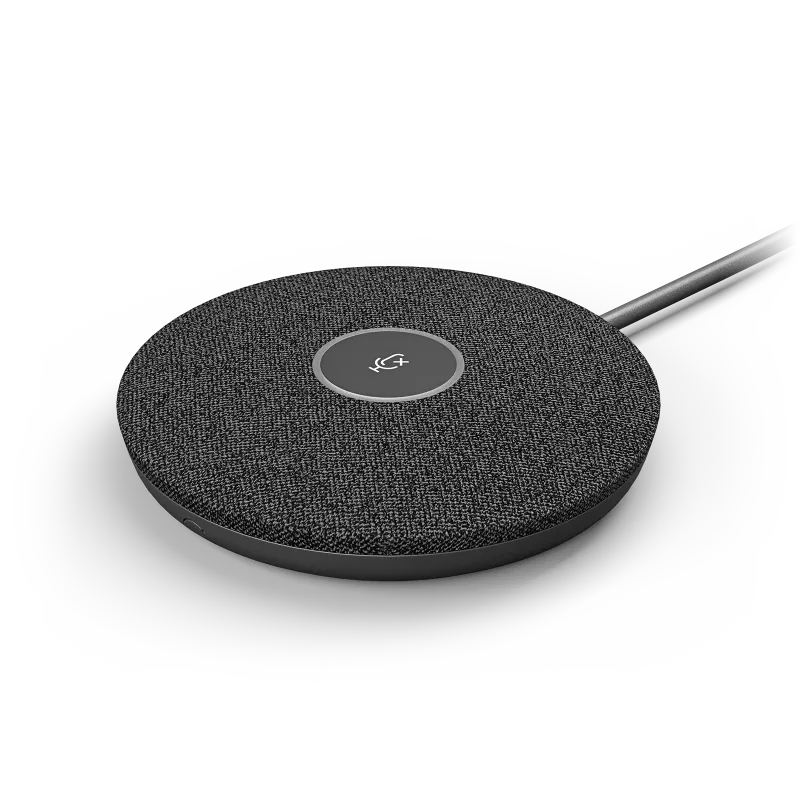
Medium Conference Room (6–14 people): Rally Bar Mini — 4K ePTZ camera with 120° diagonal FoV, 4 beamforming microphones (5m pickup), AI-powered RightSight auto-framing, and room-filling speakers. Add Tap IP for one-touch meeting join and room calendar display. Add Rally Mic Pod for extended microphone coverage on longer tables.
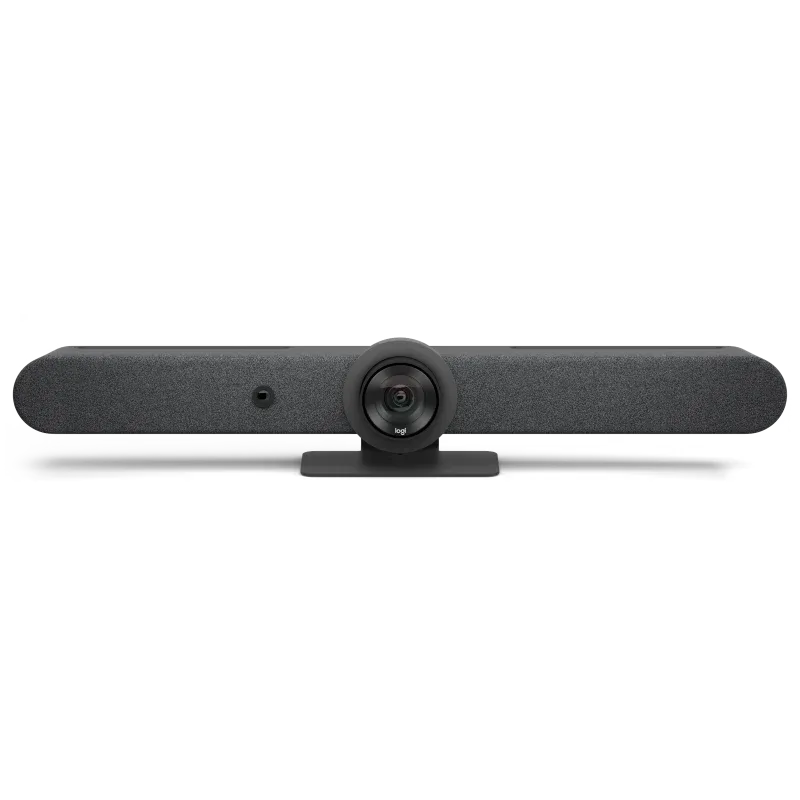
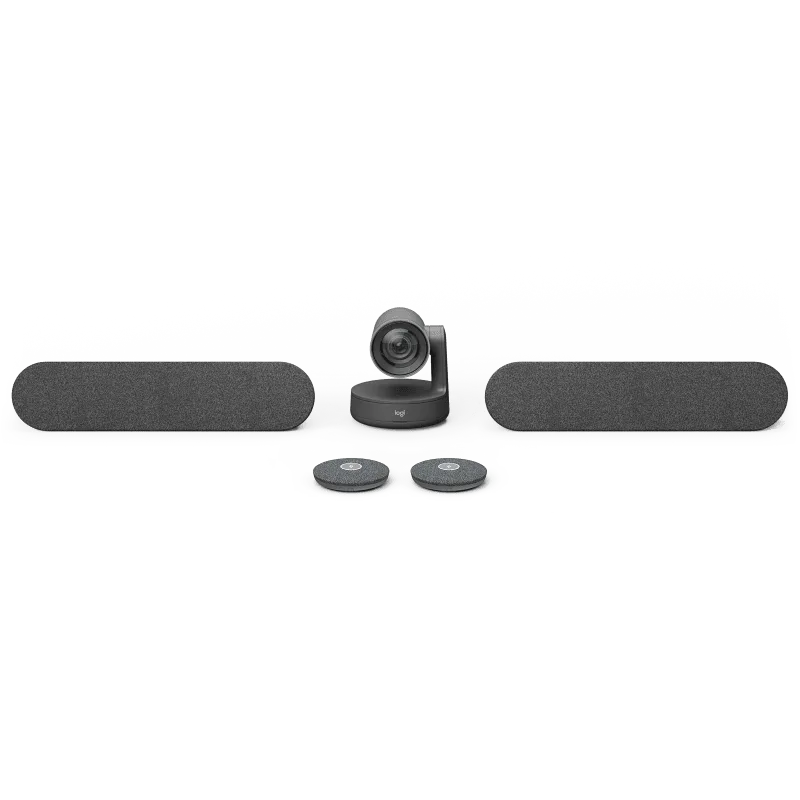
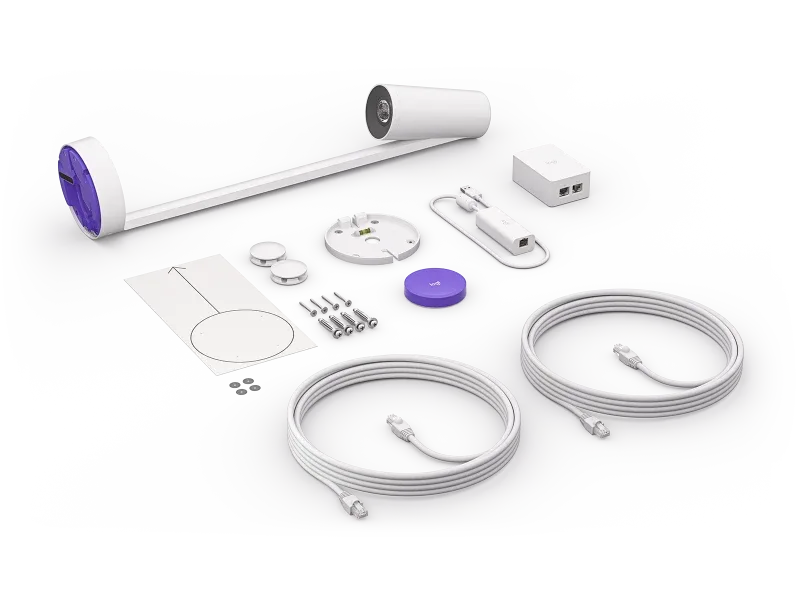
Large Conference Room (14–30 people): Rally Bar — motorized PTZ camera with 15X HD zoom (5X optical + 3X digital), 6 beamforming microphones (7m pickup), dual 70mm speakers (99 dB SPL). Add Sight tabletop AI camera for speaker-tracking close-ups. Add multiple Rally Mic Pods to cover the full table. Add Tap IP or Tap Scheduler for room control.
Boardroom / Training Room (30–46 people): Rally Bar + Rally Camera — dual camera system for full room coverage. Rally Camera provides motorized PTZ with 15X zoom for distant participants, while Rally Bar handles the wide view. Add 3–7 Rally Mic Pods for complete voice pickup across the table. Add Scribe for whiteboard content sharing.
AI-Powered Meeting Experience
RightSight is Logitech's AI auto-framing technology. It automatically detects meeting participants and adjusts the camera view to frame them — whether one person or a group. Speaker View mode zooms in on the active speaker. Group View frames everyone in the room. RightSight works on Rally Bar, Rally Bar Mini, Rally Bar Huddle, and MeetUp 2.
RightSound uses AI-based noise suppression and automatic gain control to deliver clear, natural audio regardless of where participants sit in the room. It suppresses background noise (keyboard clicks, HVAC, outside traffic) while preserving natural voice quality.
RightLight optimizes video quality in challenging lighting conditions — backlit rooms, dim offices, or uneven lighting. It applies intelligent exposure and color correction in real time, ensuring faces are clearly visible without overexposing windows or bright backgrounds.
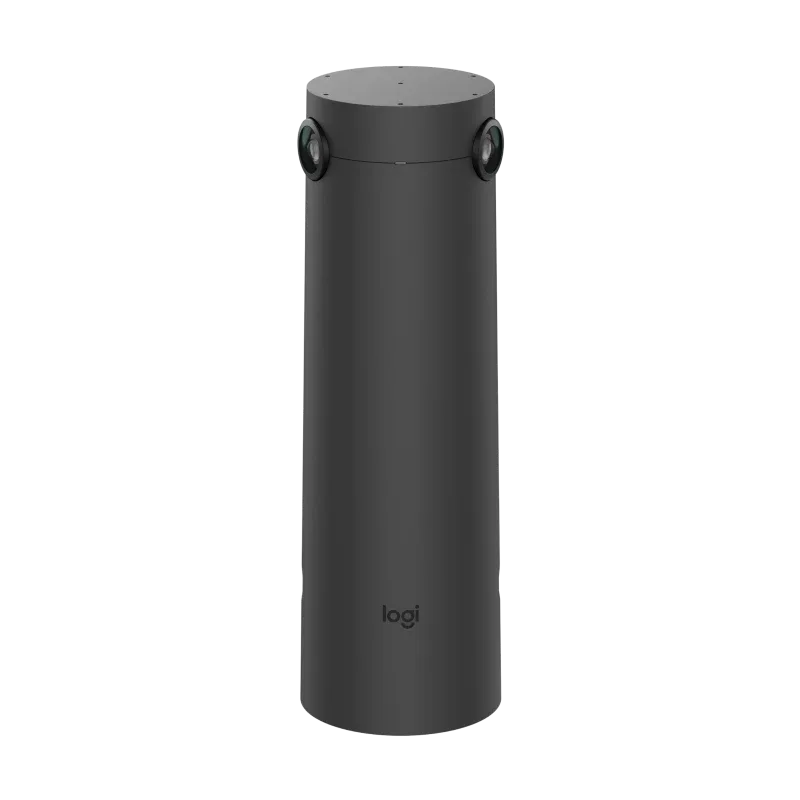
Logitech Sight takes AI a step further with a dedicated tabletop camera featuring 7 beamforming microphones, 180° field of view, and face + voice fusion tracking. Sight identifies who is speaking and automatically switches the camera view to show close-ups of each speaker — ideal for hybrid meetings where remote participants need to see in-room speakers clearly.
Platform Certification and Compatibility
Microsoft Teams Rooms: Rally Bar, Rally Bar Mini, Rally Bar Huddle, MeetUp 2, and RoomMate are certified for Microsoft Teams Rooms on Android (CollabOS) and Windows. Tap IP is certified as a Teams touch controller. Tap Scheduler works as a Teams Panel for room booking. Scribe integrates as a content camera for intelligent whiteboard capture in Teams meetings.
Zoom Rooms: All Logitech video bars run Zoom Rooms natively on CollabOS. Sight supports Zoom Smart Gallery for individual participant framing. RoomMate can run Zoom Rooms Appliance mode. Tap IP serves as a Zoom Room Controller.
Google Meet: Rally Bar and Rally Bar Mini support Google Meet via CollabOS or BYOD USB mode. RoomMate can run Google Meet hardware. All Logitech cameras work with Google Meet in BYOD USB mode.
BYOD / USB Mode: Every Logitech video bar and camera supports plug-and-play USB connectivity. Connect to any laptop via USB-C and use with any video conferencing application — Teams, Zoom, Meet, Webex, or any browser-based platform. This makes Logitech devices future-proof across platform changes.
Logitech Sync — Cloud Device Management
Logitech Sync is a free cloud portal that provides centralized visibility and control over every Logitech device deployed across your organization. From a single dashboard, IT administrators can monitor device health, push firmware updates, configure settings, and troubleshoot issues remotely — without visiting each room.
Key capabilities include real-time room occupancy insights, device utilization analytics, automatic firmware deployment scheduling, remote reboot, and alert notifications for offline or unhealthy devices. Sync supports multi-site management, making it ideal for organizations with offices across Thailand or APAC.
For enterprise organizations, Logitech Select provides premium support — including 24/7 direct access to Logitech engineers, dedicated account management, advanced RMA, and spare pool management. Select transforms Logitech hardware into a managed service with guaranteed uptime SLAs.
How SIPPER Delivers Logitech Conference Rooms
SIPPER designs conference rooms end-to-end — starting with a room audit to assess dimensions, seating layout, display positions, lighting conditions, and acoustic environment. We then recommend the optimal Logitech device combination for each room, considering your collaboration platform (Teams, Zoom, or Meet) and budget.
Our installation team handles wall/ceiling mounting, cable management, display integration, PoE switch provisioning for Tap IP and Sight, network configuration, CollabOS setup, and Logitech Sync enrollment. Every room is tested with a live video call before handover.
Combined with SIPPER SIP Trunk and Microsoft Teams Direct Routing, your Logitech-equipped rooms integrate seamlessly with your existing phone system — one partner for voice, video, and collaboration infrastructure. We provide ongoing support, firmware management, and room health monitoring under a single service agreement.