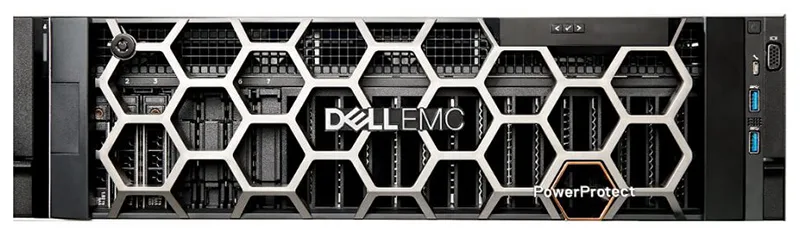
Why Dell PowerEdge
iDRAC9: Integrated remote management lets you monitor, update, and troubleshoot servers from anywhere — no KVM or console needed. SIPPER configures iDRAC alerts as part of every deployment.
ProSupport: Dell offers 3-year to 7-year ProSupport with 4-hour onsite response. SIPPER coordinates warranty claims and acts as your single point of contact for hardware and software issues.
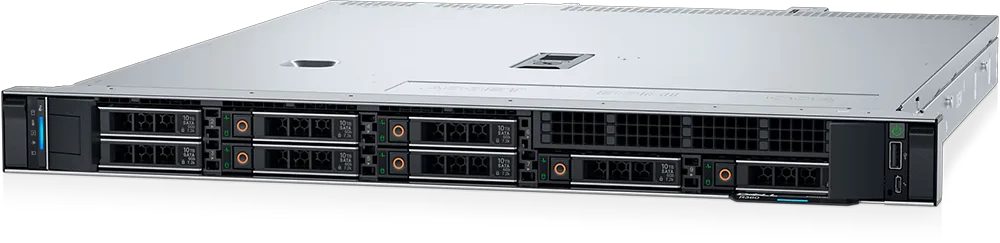
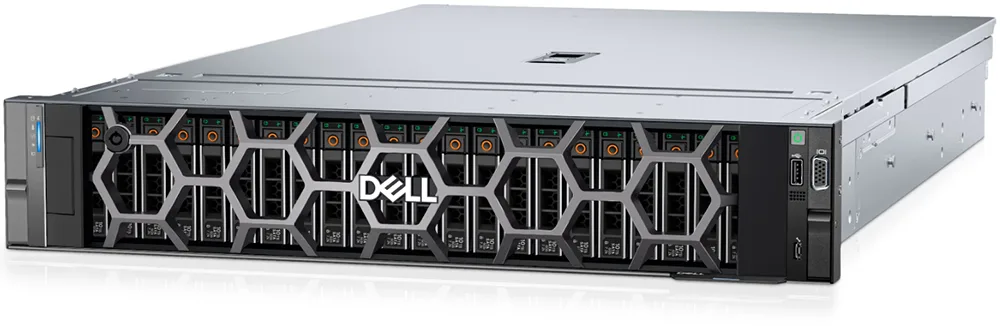
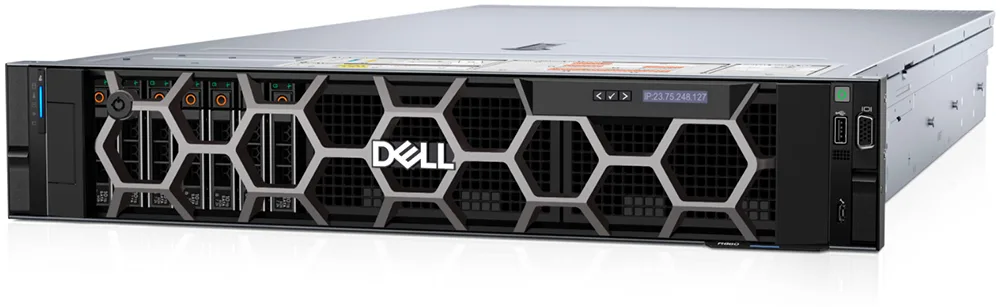
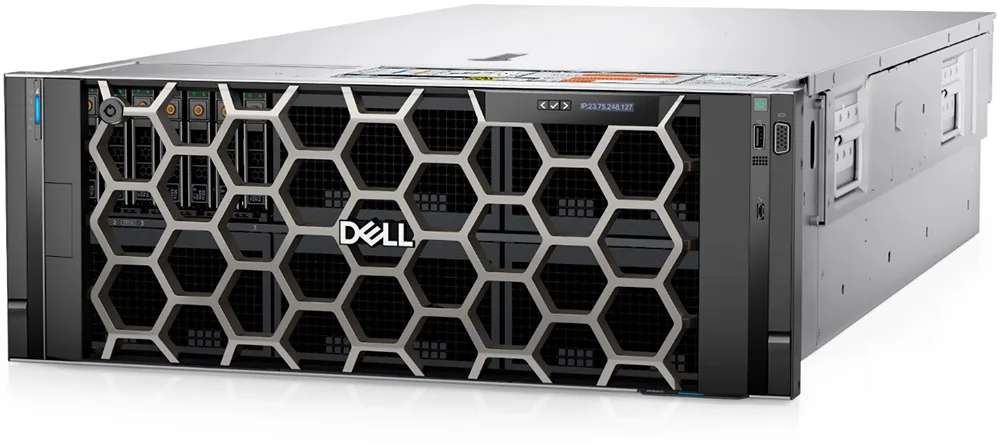
Scalable Range: From single-socket entry towers (T160) to 4-socket mission-critical rack servers (R960) — Dell PowerEdge covers every workload tier without changing your management tools or vendor relationship.
Tower vs Rack — Which One Fits Your Business?
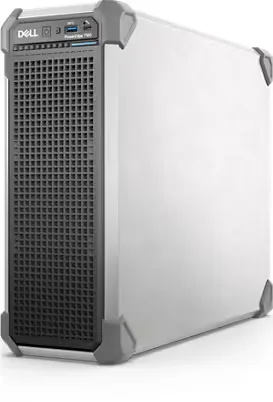
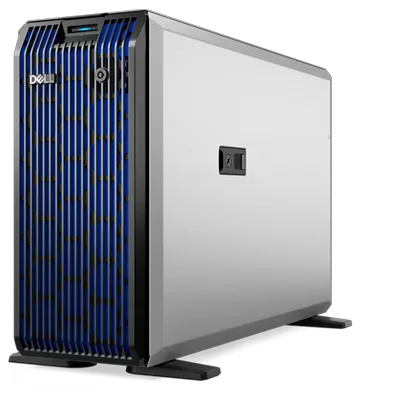
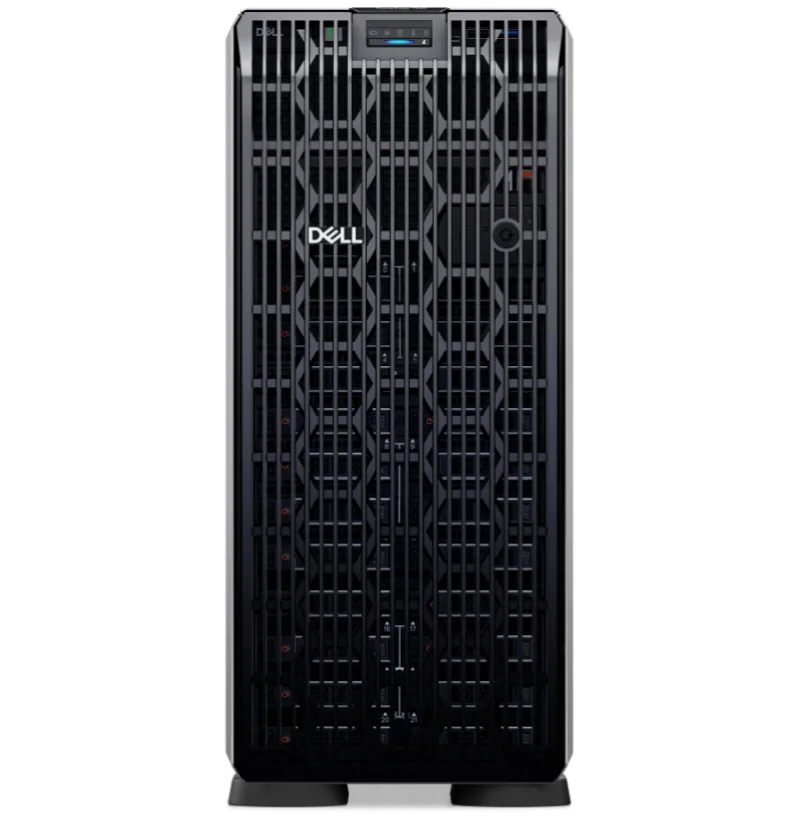
Tower Servers (T160, T360, T560): Best for offices without a server room or rack cabinet. Quiet operation, no special cooling required, sits under a desk or in a closet. Choose tower when you have fewer than 3 servers and no existing rack infrastructure.
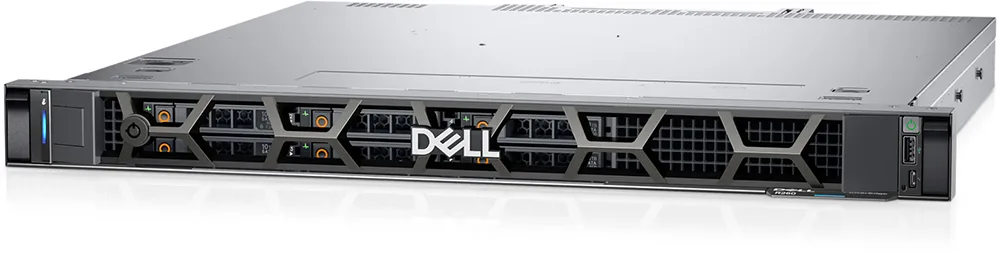
Rack Servers (R260–R960): Best for server rooms, co-location, or data centers. Higher density, better cable management, standardized cooling. Choose rack when you have 3+ servers, need redundancy, or plan to scale.
SIPPER's recommendation: For most Thai SMBs with 50–200 users, start with a PowerEdge T360 or T560 tower. When you outgrow it or add a second server, migrate to rack with R360 or R760. SIPPER handles the transition.
SIPPER Server Services
Server Sizing: SIPPER analyzes your workload — number of users, applications (ERP, database, file server, VM), storage needs, and 3-year growth plan — then recommends the right Dell model and configuration.
Installation & Configuration: OS installation (Windows Server, VMware ESXi, Proxmox), Active Directory setup, RAID configuration, network integration, backup policy, and iDRAC configuration — all done by SIPPER engineers.
Managed Support: After deployment, SIPPER monitors your server 24/7, applies patches, manages backup verification, and coordinates Dell ProSupport warranty claims. One phone number for all server issues.